The Kudu desktop app · free and open source
Every tool your computer needs. One free app.
Clean up, speed up, lock down privacy, and keep software current on Windows, macOS, and Linux. Kudu shows you what it found and what it will change before anything happens.
- tools
- 25+
- tools
- app cleaners
- 168
- app cleaners
- Windows privacy settings
- 57
- Windows privacy settings
- languages
- 30
- languages
Start with what you want: more space, a smoother PC, or peace of mind.

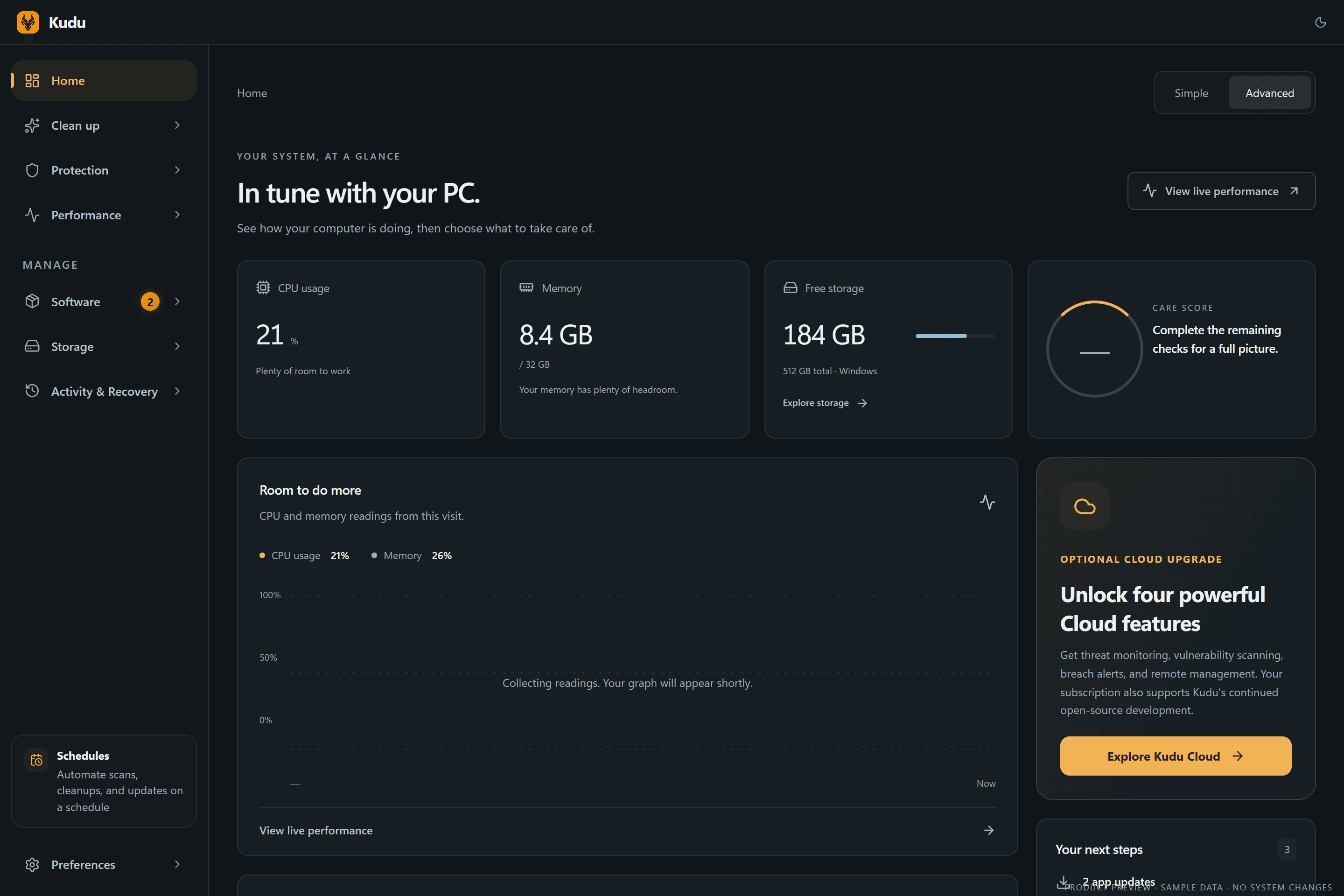
25+ tools, one free app
Replace a drawer full of utilities.
Cleaning, privacy, performance, updates, and storage in one native-feeling app. Kudu shows you what it will change before it changes it.
- Win · Mac · Linux
System Cleaner
Preview, exclude, then clean with a receipt
- Win · Mac · Linux
Privacy TracesNew
Shell history and OS activity traces
- Win · Mac · Linux
Program Uninstaller
Removes leftovers, protects shared parts
- Win · Mac · Linux
Network Cleanup
DNS cache and stale Wi-Fi profiles
- Windows
Registry Cleaner
Backed up first, restorable later
- Windows
Debloater
112 known OEM and AppX packages
- Windows
Context Menu Cleaner
Tidy right-click clutter
- Win · Mac · Linux
Privacy Shield
57 Windows and 33 macOS settings, reversible
- Win · Mac · Linux
Malware Scanner
YARA, heuristics, persistence checks
- Windows
Firewall Audit
Find broad, orphaned, unsigned rules
- Cloud
Breach & threat alerts
With Kudu Cloud
- Win · Mac · Linux
Performance Monitor
Live CPU, RAM, disk, network, S.M.A.R.T.
- Win · Mac · Linux
Startup Manager
Impact-ranked boot items
- Win · Mac · Linux
Services Manager
Safety guidance for ~70 services
- Windows
Game Mode
18 tweaks, all restored when you stop
- Cloud
AI Diagnostics
Record a slowdown, get an analysis
- Win · Mac · Linux
Software Updater
winget, Homebrew, apt, dnf, pacman
- Windows
Driver Updates
Update, ignore, and clean old packages
- Windows
Windows Repair
SFC, DISM, and WinRE checks
- Win · Mac · Linux
Disk Analyzer
Interactive treemap and file types
- Win · Mac · Linux
Duplicate Finder
Always keeps one copy
- Win · Mac · Linux
Large Files & Empty Folders
Hunt down the heavy stuff
- Win · Mac · Linux
File Shredder
Overwrite before delete
- Win · Mac · Linux
Storage History
Snapshots that show growth over time
- Win · Mac · Linux
Scheduler
Idle, on AC power, in a window, or not while gaming
- Windows
Recovery Centre
Restore supported settings and registry backups
- Win · Mac · Linux
Cleanup Receipts
What was removed, skipped, or failed
- Win · Mac · Linux
Command line
JSON output, exit codes, Prometheus metrics
Take a closer look
Designed to explain, not just to clean.
Every screen tells you what it found, why it matters, and what will happen if you go ahead.


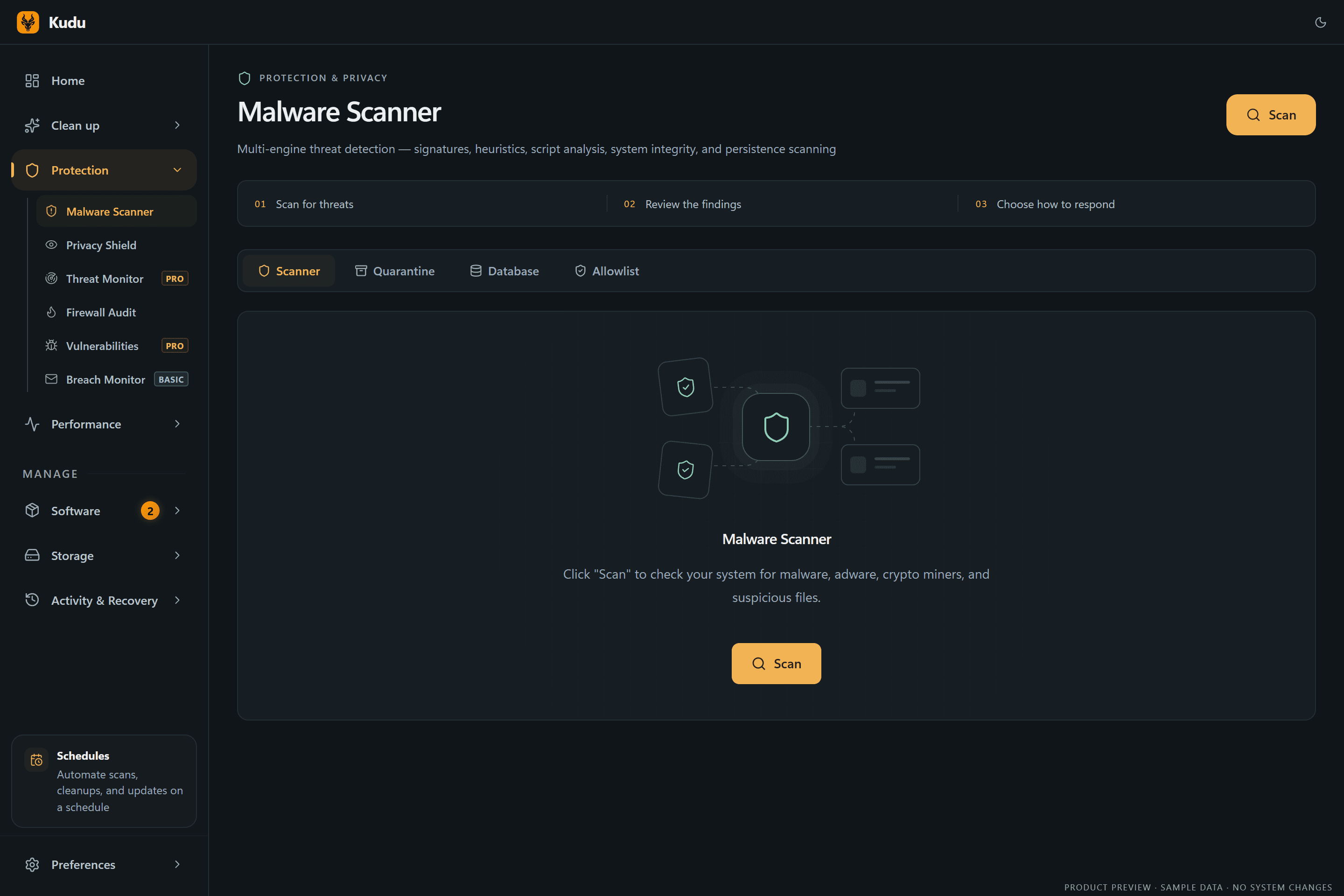




Kudu 3 screenshots · dark theme · illustrative sample data
Every platform
Native where it counts.
One app, tuned for each system. Windows gets the deepest toolset; macOS and Linux get the tools that make sense there.
Windows 10 & 11
Installer, portable EXE, winget, or Chocolatey
- 157 cleaner rules plus registry cleanup with backups
- 57 privacy settings, including Copilot and Recall
- Debloater for 112 OEM and AppX packages
- Driver updates, Game Mode, Firewall Audit, and Windows Repair
- Recovery Centre and automatic restore points
macOS 12+
Notarized DMG for Apple Silicon and Intel
- 95 cleaner rules, including Safari, Arc, and Homebrew caches
- 33 reversible privacy settings, including Apple Intelligence
- App updates through Homebrew
- Malware scanning, startup items, and storage tools
- Live performance monitoring and drive health
Linux
AppImage or .deb for x64 and arm64
- 93 cleaner rules, plus journal vacuum and dev caches
- Package updates through apt, dnf, or pacman
- Privacy hardening and malware scanning
- Headless daemon with an install script
- CLI with JSON output and Prometheus metrics
Cleaner coverage
168 apps. 15 browsers. Even your AI tools.
Kudu knows where apps hide their caches, logs, and crash dumps, from browsers and game launchers to Claude, Cursor, and Docker. Rules are plain JSON that anyone can review or contribute to.
Private by design
Your computer. Your data. Your call.
- Runs on your machine
- Scans and cleanups happen locally. Nothing leaves your computer unless you choose to link Kudu Cloud.
- Open source, MIT licensed
- Every line is public on GitHub. Cleaner rules are readable JSON, not a black box.
- Scanned before it ships
- Each release links its VirusTotal results in the release notes, so you can check before you install.
- Review first, undo later
- Preview every cleanup, keep exclusions, and restore supported settings from the Recovery Centre.
Built for power users, too
Script it with --json, schedule it with cron, or scrape it with Prometheus. Illustrative output.
winget install AdventDevelopmentInc.KuduTry every tool, free.
No account, no ads, no trial timer. Download Kudu for Windows, macOS, or Linux.