Know when a PC you look after needs attention.
Kudu Cloud keeps checking your PC, and the ones you look after for family, while Kudu runs in the background. You get an email when protection switches off, a drive starts failing, or your email turns up in a breach, then you can fix it from any browser.
Works with the free Kudu app on Windows, macOS, and Linux. Scales from one PC to a whole fleet.
Firewall was turned off
Mum’s laptop · Windows 11
Disk almost full · 4 GB left
Work laptop · C:
Antivirus signatures are out of date
Dad’s desktop · Defender
Connection to a known botnet serverPro
Gaming PC · threat monitoring
Example alerts, sample devices.
For you and your family
What you get on one PC for $5 a month.
Kudu keeps your computer tidy. Kudu Cloud tells you when something needs attention and lets you fix it without being in the same room.
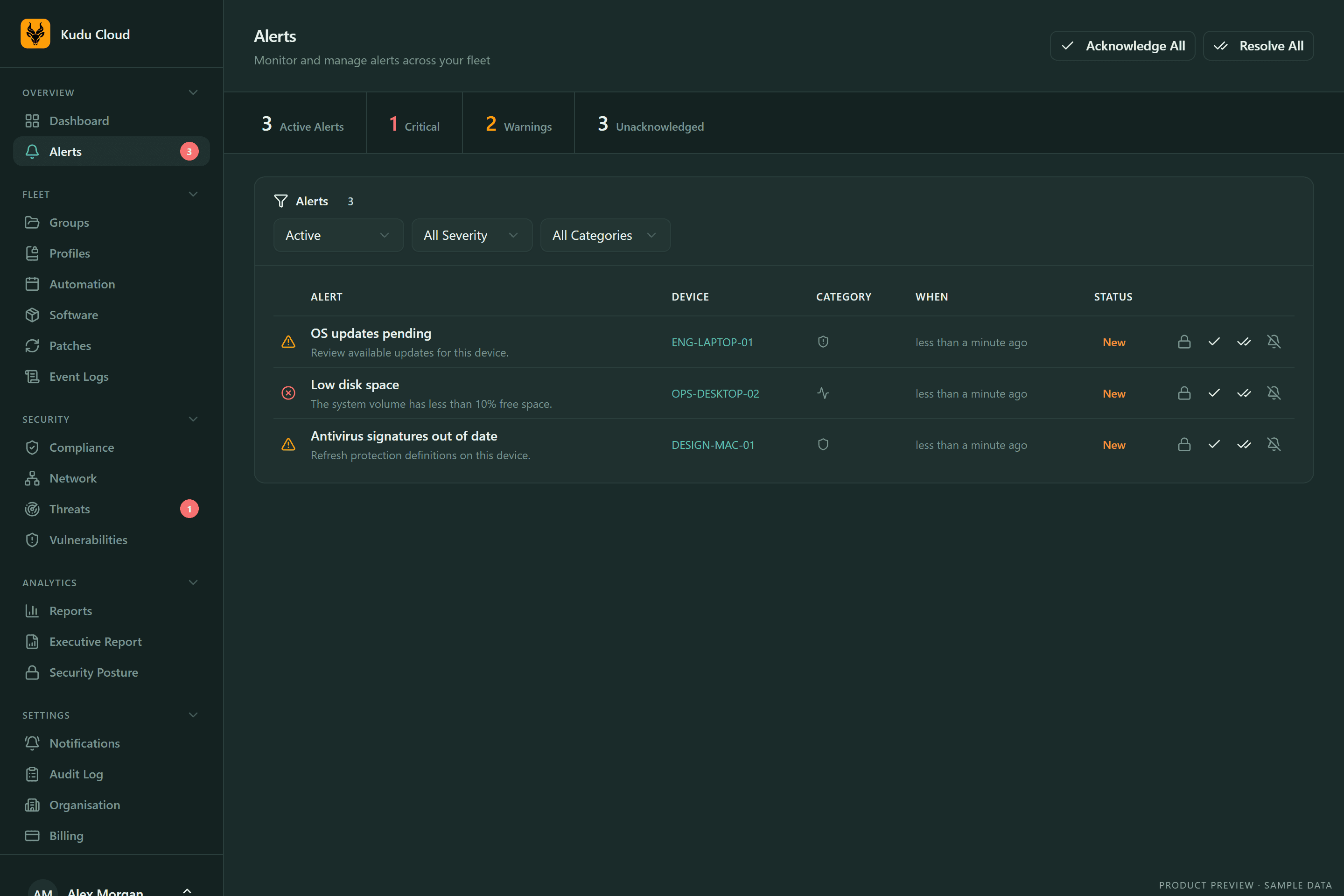
Know the moment something’s wrong
Antivirus off · Real-time protection off · Firewall off · BitLocker off · Drive health degrading · Disk almost full · CPU or memory critical · Updates going stale · Critical event-log errors · Device went offline
Breach monitoring
Fix it from your couch
- Clean up junkdone
- Update appsdone
- Scan for malwaredone
Health score and history
AI safety ratings
Pro, $9 per device per month, adds:
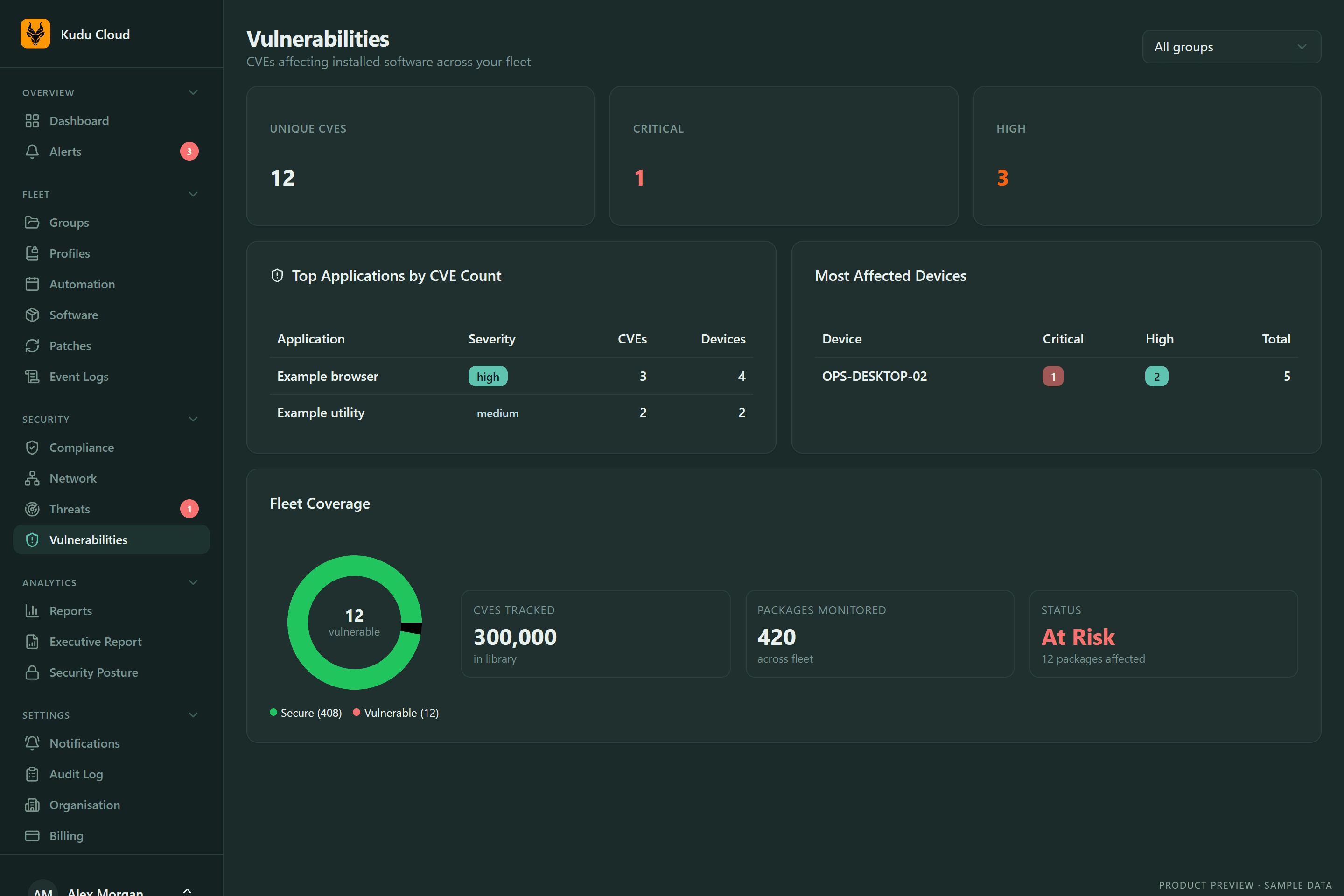
Vulnerable app alerts
Your installed apps are checked daily against the NVD CVE database. Critical and high-severity issues show up with the fix: usually an update.
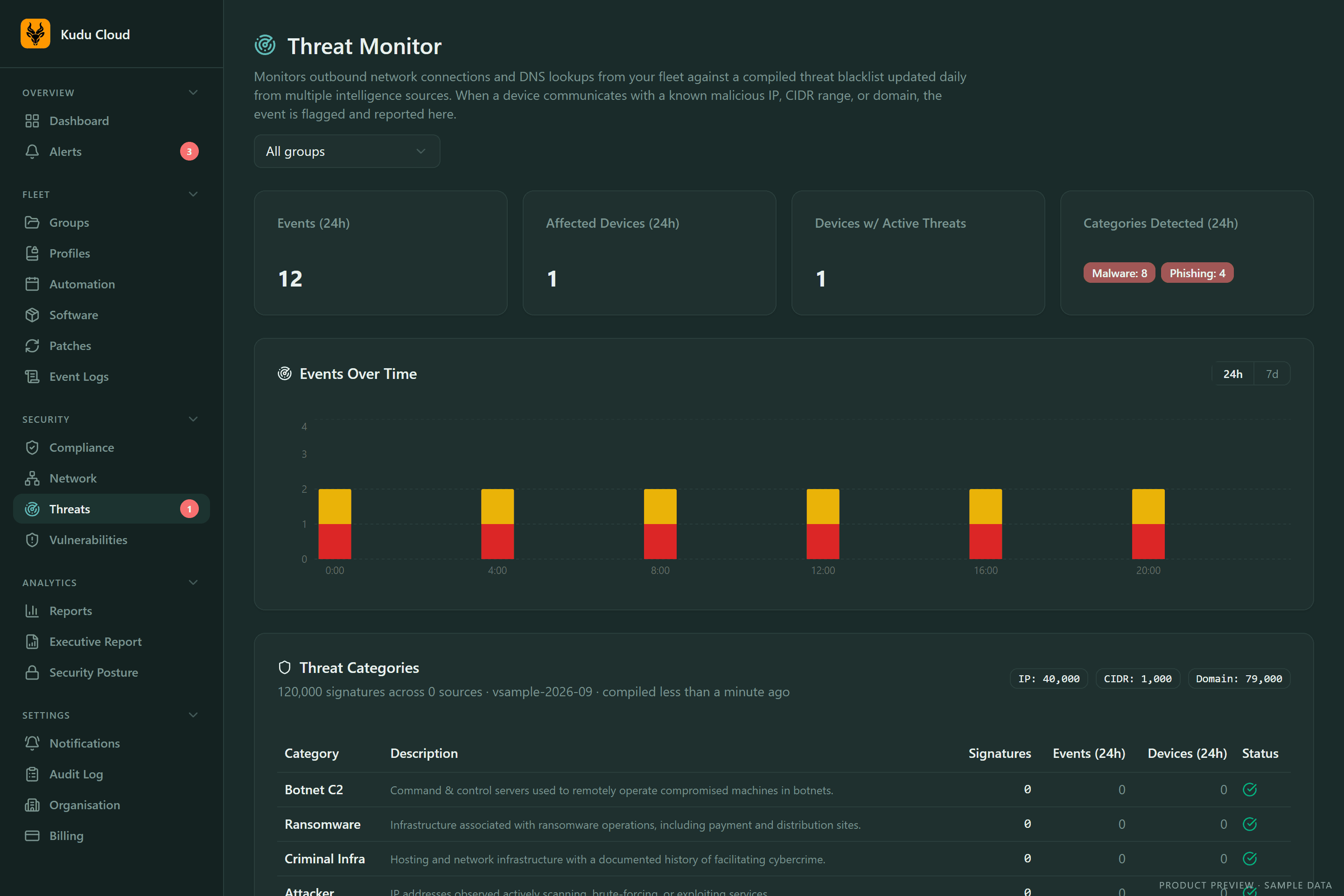
Threat monitoring
Network connections are checked against daily threat feeds from 8 sources, covering botnet servers, ransomware infrastructure, and phishing hosts.
AI performance diagnostics
Record a slowdown for up to 15 minutes, choose to share it, and get an AI report with findings, evidence, and next steps.
How it works
Three steps to link a PC.
- 1
Create your account
Sign up at cloud.usekudu.com and pick a plan. Basic starts at $5 per device per month, with no minimum.
- 2
Paste your key into Kudu
Open the free Kudu app, go to Cloud, paste your key, and connect. One key can link every PC in your home.
- 3
That’s it
Your PC appears in the dashboard within seconds and starts reporting. Close the app and Kudu keeps watch.
What Cloud can and can’t do
- Only system stats and health reports are sent: no file contents, file paths, or personal data.
- Remote actions come from a fixed allowlist. Cloud can’t run arbitrary scripts.
- Anything that changes a device stays off until you allow it on that device.
- Every command is logged, and the desktop app stays free and open source.
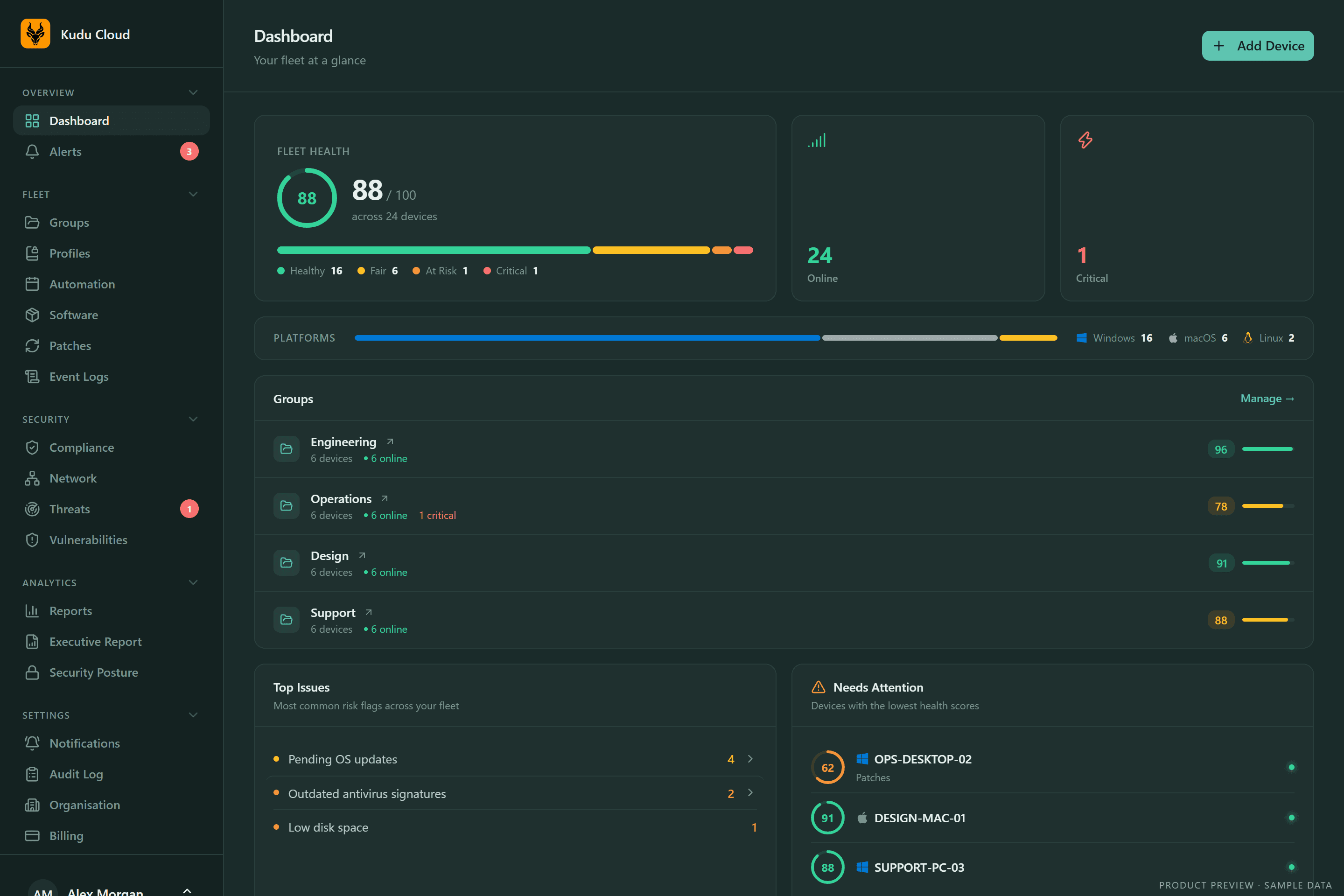
The same service runs a fleet.
The agent that watches one laptop also manages hundreds. Group devices, give your team the right roles, and see health, patches, and compliance across Windows, macOS, and Linux in one place.
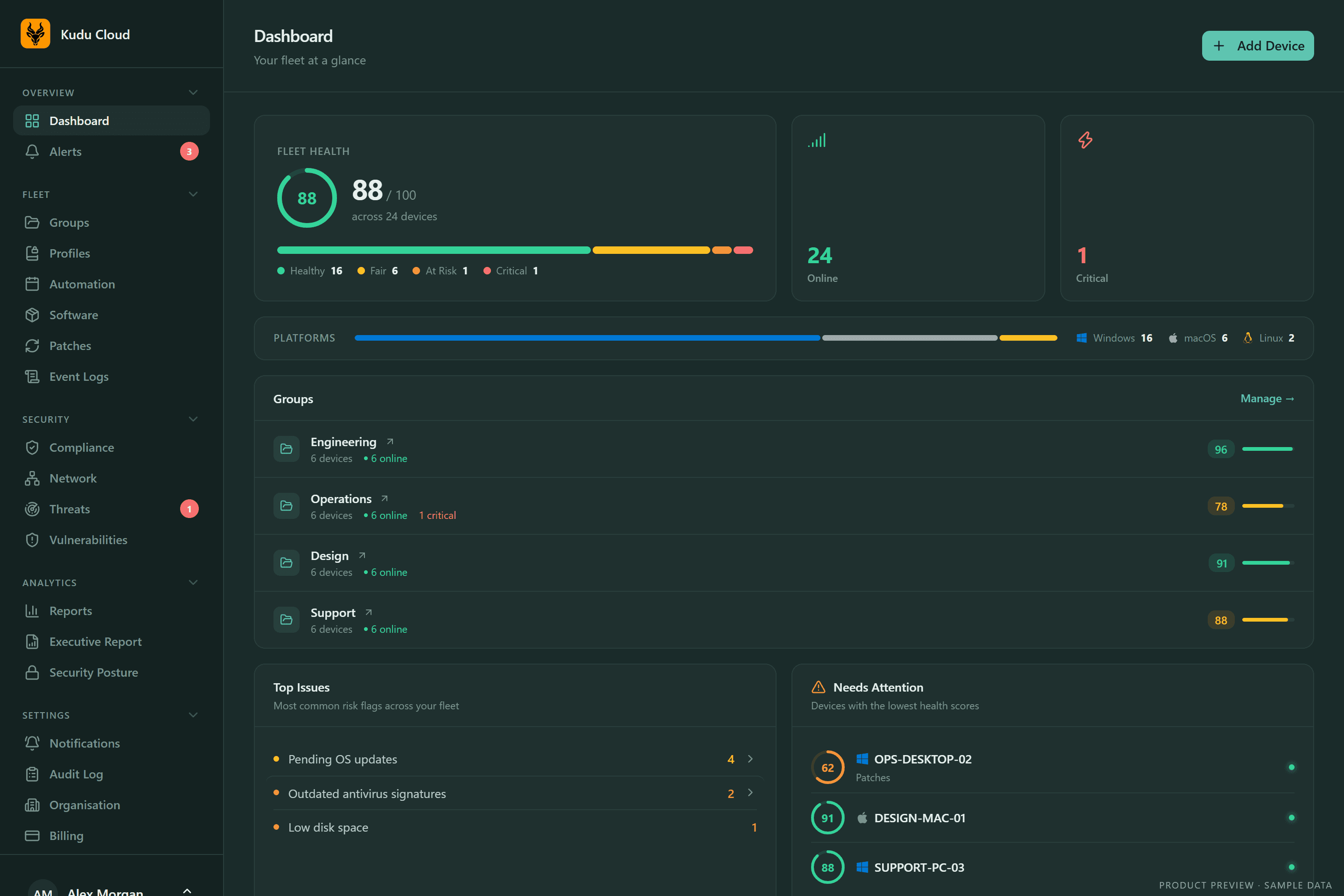
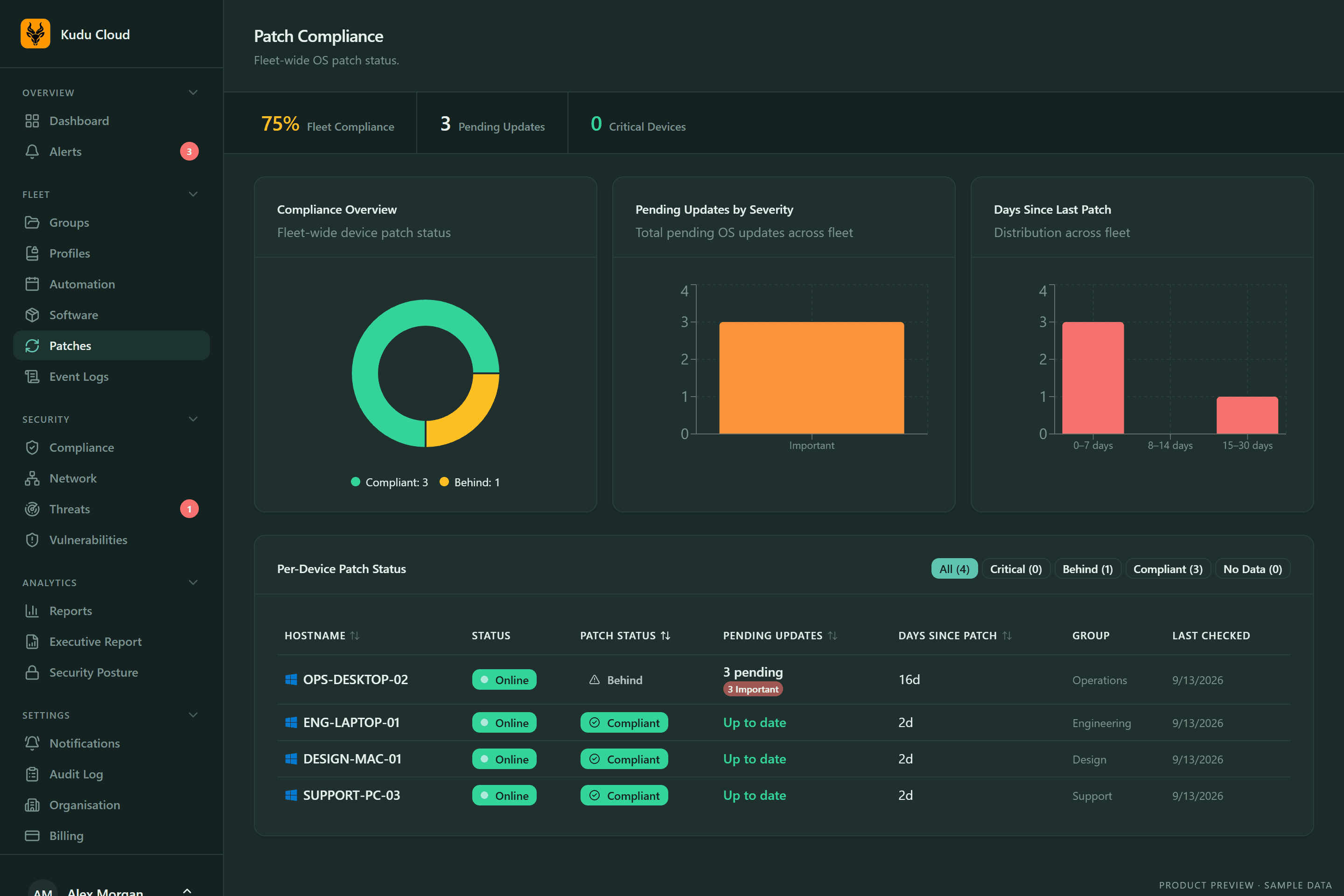
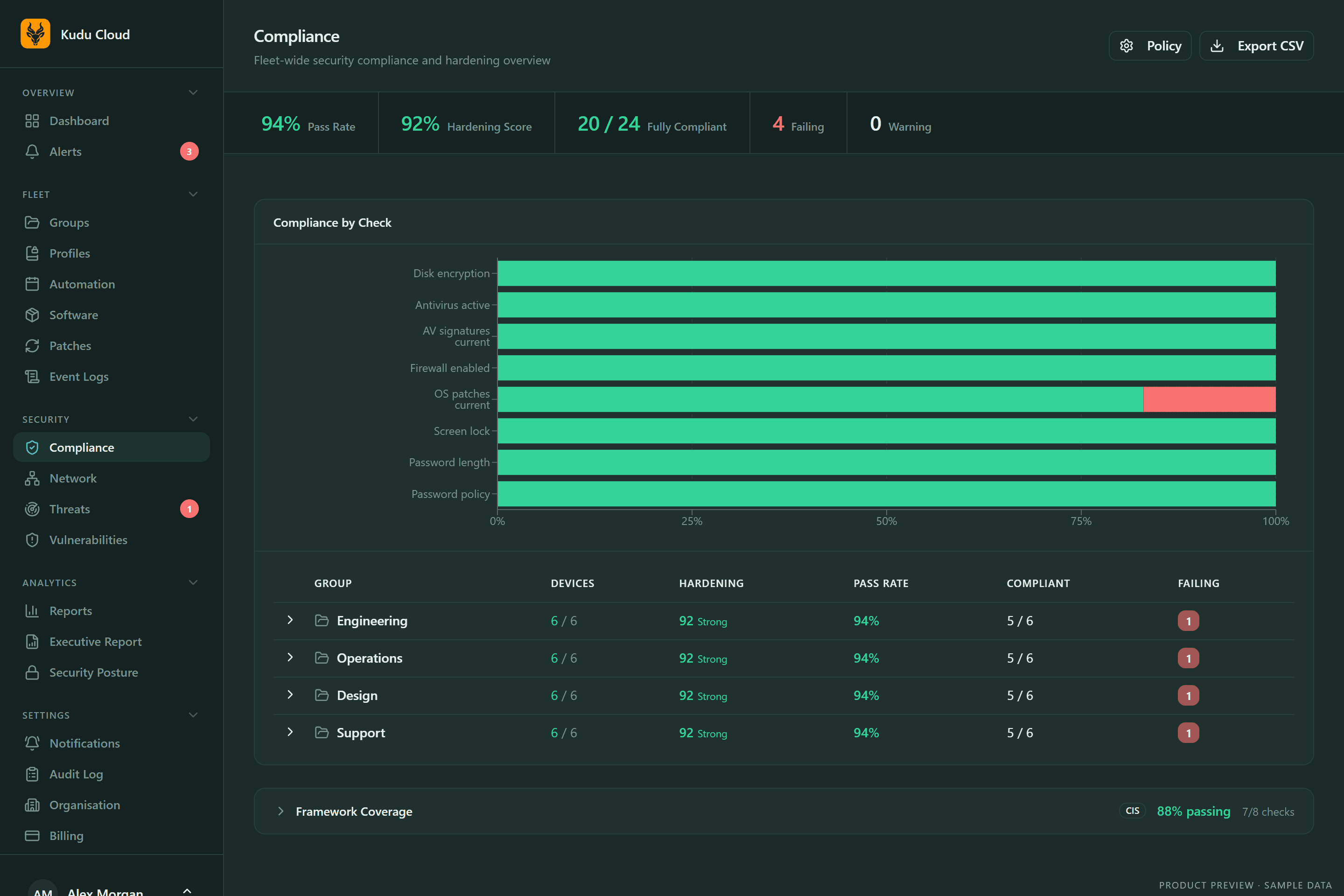
Fleet tools
Groups and profiles
Organise devices into groups with their own keys. Profiles keep privacy settings, services, and startup items the way you set them.
Roles and invites
Owners, admins, and read-only viewers. Invite teammates and run several organisations from one login.
Asset inventory
Tag devices and track assigned user, department, location, warranty, and lifecycle. Bulk-edit and export to CSV.
Bulk remote commands
Run cleanups, scans, updates, repairs, and restarts on selected devices or entire groups from an allowlisted command set.
Automation policies
Scheduled or triggered workflows of up to 20 actions, with offline retries, cooldowns, and run history. Pro.
Software inventory
Every installed app and version across the fleet. Mark apps allowed, blocked, or flagged, and track license costs.
Event log analysis
Windows System, Application, and Security logs with anomaly detection and known-issue matching.
Reports and forecasts
Resource trends, disk-full forecasts, and executive reports, with scheduled email delivery on Pro.
AI guidance
Remediation guidance for alerts, fleet trend analysis, and firewall suggestions for Linux servers.
Audit log
Commands, policy runs, and settings changes, searchable and exportable as CSV. Pro.
Plans
Basic
$5per device / month
Everything you need to keep an eye on your own PCs.
- Live dashboard and health scores
- Email alerts
- Breach monitoring for 1 email
- Remote cleanups, scans, and updates
- 30 days of history
Pro
$9per device / month
Deeper protection, automation, and team tools.
- Everything in Basic
- Vulnerable app and threat alerts
- AI performance diagnostics
- Slack, webhook, and PagerDuty alerts
- Automation, audit log, and 90 days of history
Volume pricing from 50 devices. Cancel anytime. Compare plans
Cloud FAQ
Link your first PC.
$5 per device per month. Linked in under a minute. Cancel anytime.